
1. Introduction
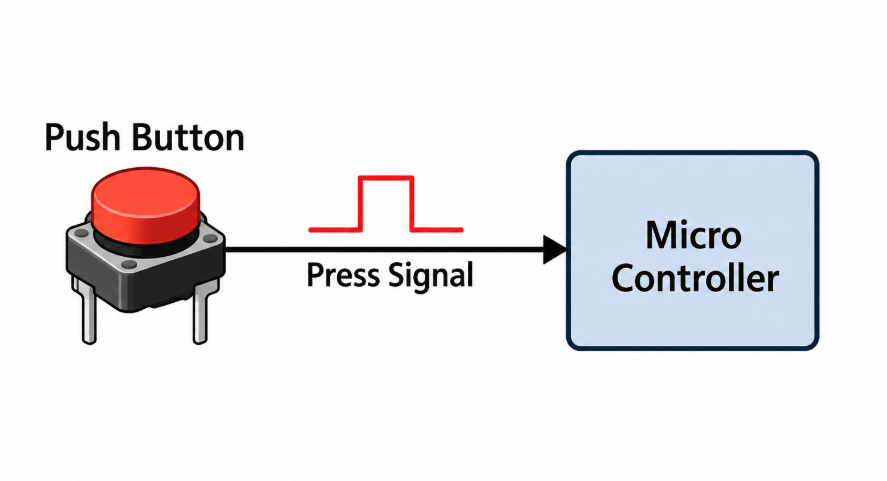
Up until now, every experiment has worked by constantly checking (“polling”) whether something changed. This time we're doing things the other way around: we set up the onboard button so that pressing it immediately interrupts whatever the chip is doing, no matter what, and jumps straight to blinking the onboard LED five times. This is called an interrupt, and it's one of the most important ideas in embedded systems, the same mechanism behind an airbag firing instantly or an emergency stop button actually stopping something immediately, rather than whenever the software “gets around to checking.”
2. Scope
We'll compare polling versus interrupts, set up the button as an external interrupt that fires on a falling edge, flip on the one NVIC setting that's genuinely easy to forget, and write the callback function that actually runs when the button gets pressed. You'll come away understanding not just how to set up an interrupt, but why it's genuinely different from just checking a pin in a loop, and why that difference actually matters in real designs.
3. Prerequisite
3.1 Hardware
-
Just the STM32 Nucleo-F070RB board itself, the button (B1) and LED (LD2) are already built in, so there's genuinely nothing to wire up
-
Micro-USB cable
3.2 Software
-
STM32CubeMX (standalone)
-
STM32CubeIDE
-
ST-LINK USB driver
Community Q&A
0 questionsAsk questions and get answers from our community and staff moderators.
No questions yet — be the first to start the conversation!
Ask a Question
Please log in to ask a question or post a reply.
Login to Participate